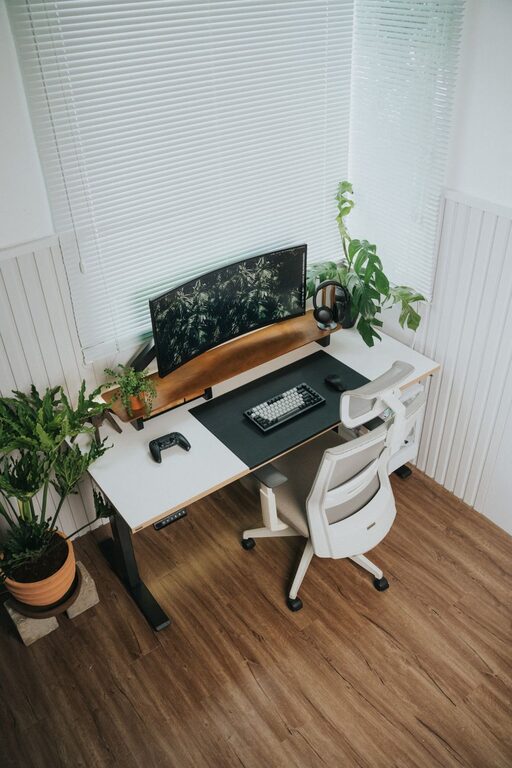
Creating a home office that supports both productivity and comfort can make a significant difference in your workday. Whether you’re working remotely full-time or occasionally catching up on tasks, a well-designed workspace helps you focus and feel good while working. Here are some useful tips to help you set up a home office environment that promotes efficiency and well-being.
Choosing the Right Location
Find a Dedicated Space
If possible, choose a spot in your home specifically for work. This helps create a mental separation between your professional and personal life. A quiet corner, spare room, or even a part of your living room can work well as long as it feels like your workspace.
Consider Natural Light
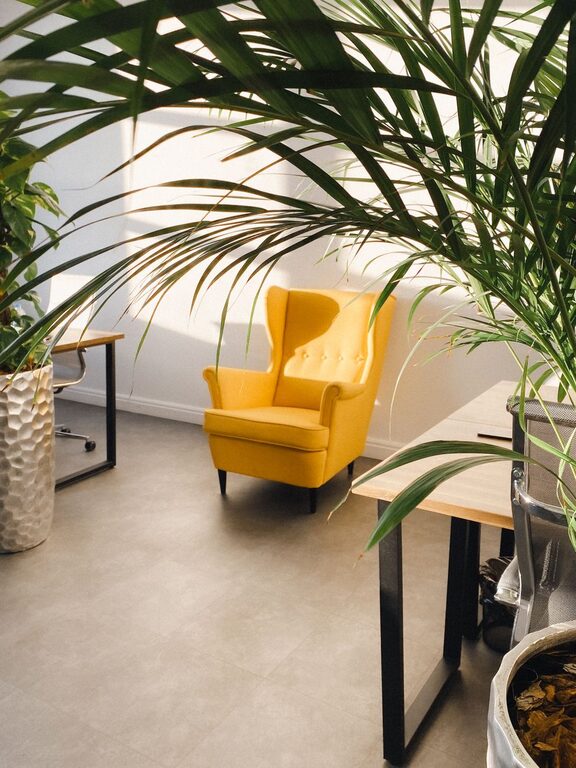
Placing your desk near a window can provide natural light, which improves mood and focus. If natural light is limited, invest in good quality, adjustable lighting to reduce eye strain during work.
Ergonomic Furniture for Comfort
Select an Adjustable Chair
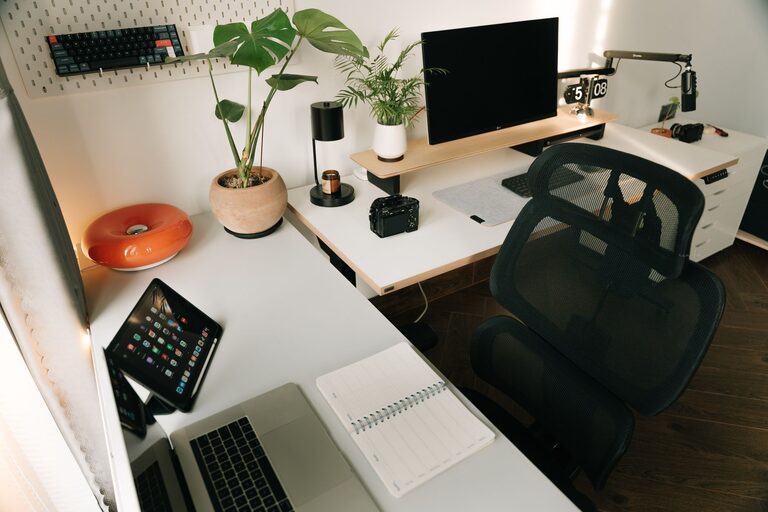
A comfortable, ergonomic chair is essential. Look for one that supports your lower back, encourages good posture, and can be adjusted to your height. Sitting comfortably reduces fatigue and the risk of back pain.
Use a Suitable Desk
Your desk should be at a height where your arms rest comfortably while typing. If space allows, a larger desk helps keep everything organized and within reach, minimizing distractions.
Organize Your Workspace
Declutter Regularly
Keep your desk free of unnecessary items to help maintain focus. Only keep essentials like your computer, notebook, and a few accessories on your desk.
Use Storage Solutions
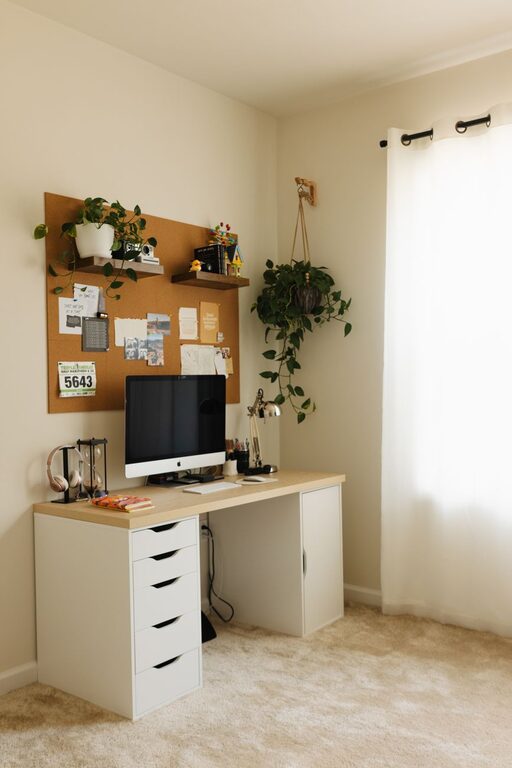
Shelves, drawers, and organizers keep supplies and documents tidy. Labeling drawers or containers will save time and reduce stress when searching for items.
Set Up Technology Efficiently
Invest in Reliable Equipment
A good computer, high-speed internet, and necessary peripherals like a keyboard and mouse enhance efficiency. If you frequently attend virtual meetings, a quality webcam and microphone will improve communication.
Manage Cables and Chargers
Use cable organizers to prevent tangles and keep your workspace neat. Charging stations can centralize power sources, making it easier to keep devices running.
Personalize Your Space
Add Plants or Artwork
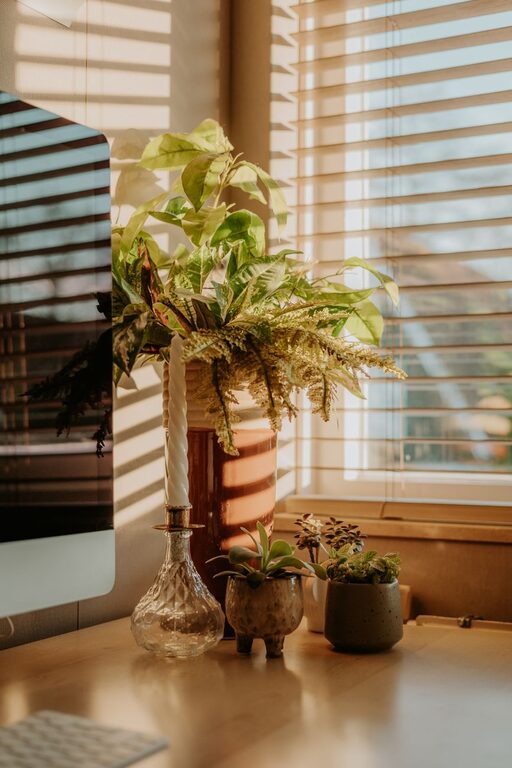
Decorating with plants can improve air quality and create a calming atmosphere. Artwork or inspiring quotes add personality and motivation.
Control Noise Levels
If you work in a noisy area, consider noise-cancelling headphones or a white noise machine to block distractions and maintain concentration.
Maintain Healthy Habits
Take Breaks and Move
Set reminders to stand, stretch, or walk around every hour. Movement refreshes the body and mind, reducing fatigue and boosting productivity.
Hydrate and Snack Wisely
Keep a water bottle nearby and choose healthy snacks to maintain energy levels without heavy crashes.
Create a Routine and Boundaries
Establish Work Hours
Try to stick to consistent work times to build a routine. This helps create a predictable schedule and signals when work begins and ends.
Communicate Boundaries
If you share your home with others, clearly communicate your working hours and spaces to minimize interruptions.
—
Designing your home office with attention to comfort and functionality can transform your work experience. By integrating these tips, you can create a space that encourages focus, well-being, and productivity every day.