Creating a comfortable and productive home workspace is essential for anyone working remotely or managing tasks from home. A well-designed environment can improve focus, reduce stress, and enhance overall work quality. This guide will help you set up a workspace that fits your needs and keeps you motivated throughout the day.
Why a Comfortable Workspace Matters
When working from home, your surroundings play a big role in how productive and comfortable you feel. Without the right setup, it’s easy to get distracted, feel uncomfortable, or experience physical strain. A dedicated, thoughtfully arranged workspace can create a clear boundary between work and relaxation, helping you maintain balance.
Choosing the Right Location
Before diving into furniture and tools, pick the best spot for your workspace.
– Quiet and Low-Traffic Area: Look for a corner or room where noise and interruptions are minimal.
– Natural Light: Position your desk near a window if possible. Natural light reduces eye strain and lifts your mood.
– Access to Power Outlets: Make sure you have easy access to electrical outlets for your computer, chargers, and other devices.
If space is limited, don’t worry — even a small nook can work with the right organization.
Selecting Comfortable Furniture
Your furniture is crucial for comfort and productivity.
Desk
– Choose a desk with enough surface area to hold your computer, notepads, and any essential tools.
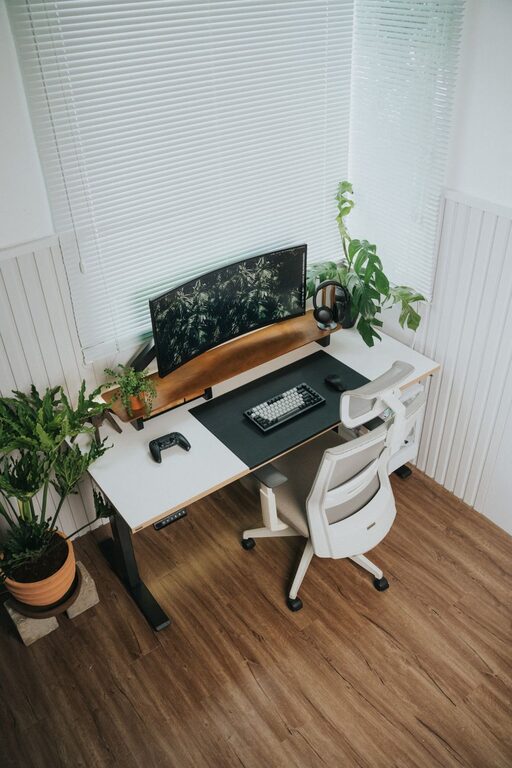
– Consider adjustable desks or standing desks if you want to alternate between sitting and standing.
Chair
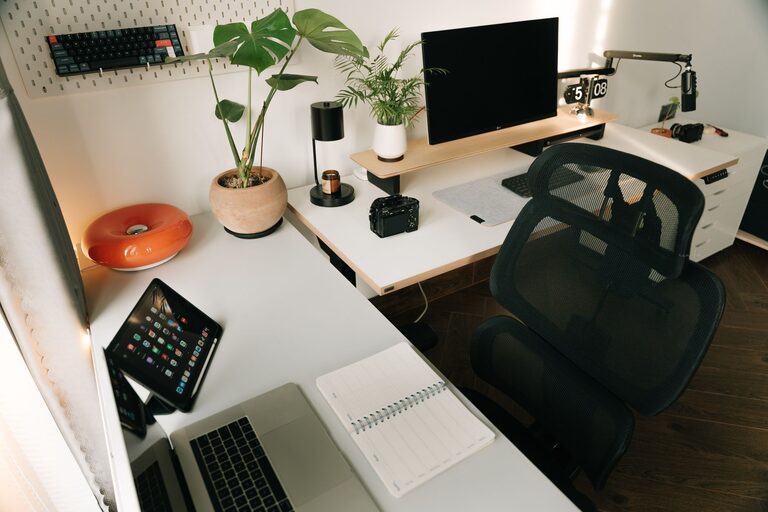
– Invest in an ergonomic chair with good lumbar support to protect your back.
– Make sure the chair height allows your feet to rest flat on the floor.
– Adjustable armrests and seat depth can improve comfort during long hours.
Organizing Your Workspace
Clutter can distract and increase stress. Keeping your workspace organized improves focus.
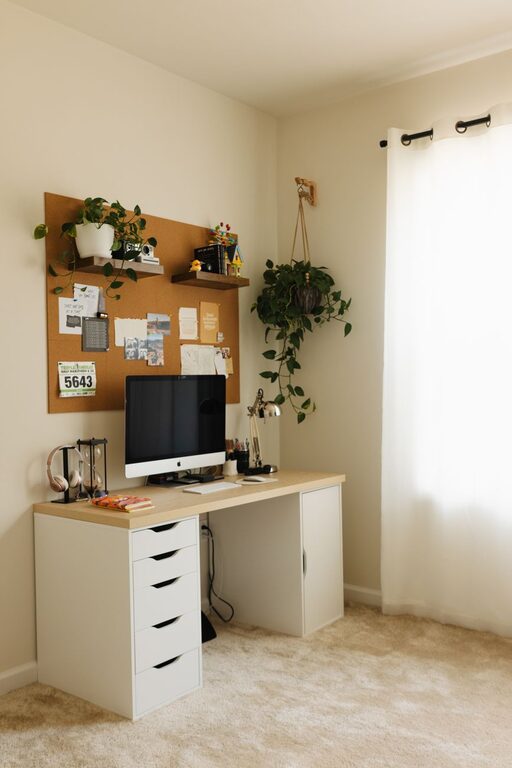
– Use shelves or filing cabinets to store documents and supplies.
– Desk organizers help keep pens, paper, and gadgets tidy.
– Cable management tools prevent cords from tangling and creating mess.
Try to clear your desk at the end of each day to start fresh the next morning.
Optimizing Lighting
Good lighting reduces eye strain and boosts alertness.
– Combine natural light with task lighting such as desk lamps.
– Use soft, warm bulbs rather than harsh fluorescent lights.
– Position lighting to avoid glare on your computer screen.
Minimizing Noise and Distractions
Noise can break your concentration, so take steps to reduce it.
– Use noise-canceling headphones or white noise apps to block out distractions.
– Inform family members or roommates about your work hours to minimize interruptions.
– Close doors or use room dividers if possible to create a quiet zone.
Personalizing Your Space
Adding personal touches can make your workspace more inviting.
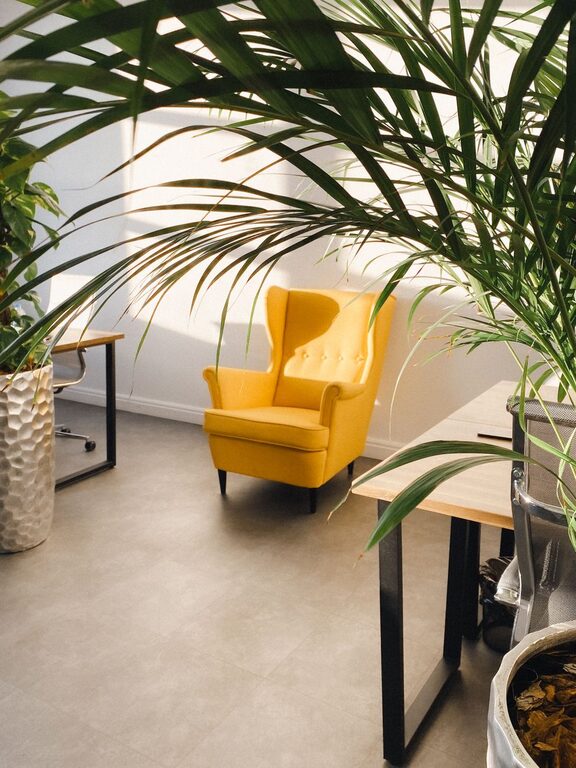
– Include plants, which can improve air quality and add a calming effect.
– Display inspiring artwork or quotes.
– Choose calming colors for your walls or accessories to create a pleasant atmosphere.
Just be careful not to overcrowd the area—keep it simple and functional.
Establishing a Routine
A comfortable workspace is only effective if matched with a good work routine.
– Set clear working hours and take regular breaks to stretch and rest your eyes.
– Use time-management techniques like the Pomodoro method to stay focused.
– Keep water and healthy snacks nearby to stay energized.
Technology and Tools
Ensure your technology supports your work.
– A reliable computer or laptop with necessary software.
– High-speed internet for smooth video calls and downloads.
– Quality peripherals like an external keyboard, mouse, and monitor for better ergonomics.
Backup solutions and cloud storage can keep your work safe and accessible.
Tips for Maintaining Your Workspace
– Clean your desk regularly to prevent dust buildup.
– Reassess your setup every few months — as your needs change, so should your workspace.
– Stay mindful of your posture and adjust furniture as needed.
Conclusion
Creating a comfortable and productive home workspace is a combination of choosing the right location, furniture, and organization methods. By focusing on comfort, minimizing distractions, and personalizing your space, you can foster a work environment that helps you stay motivated and efficient every day. With these tips, you’re well on your way to making your home workspace a place you look forward to using.