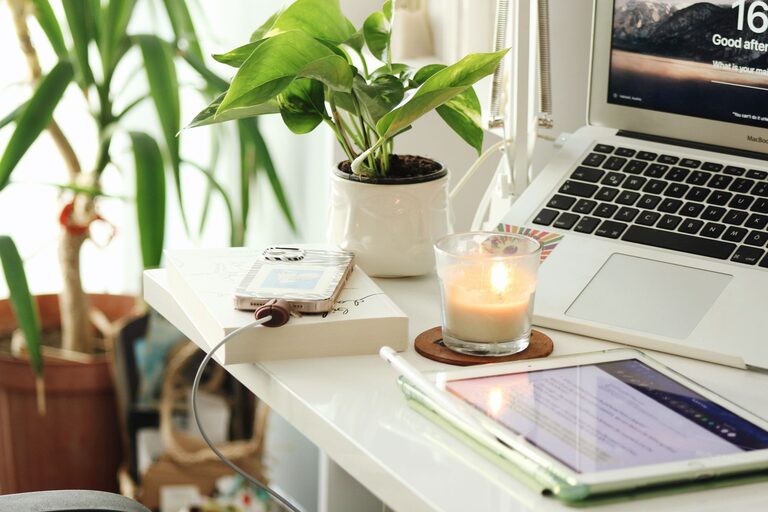
Creating a home office that’s both cozy and productive can significantly improve your work-from-home experience. A comfortable environment encourages focus, creativity, and motivation, while productivity-enhancing features help you get more done in less time. Whether you’re setting up a new workspace or refreshing an existing one, these tips will help you design a home office that supports your best work.
Choose the Right Location
The first step in setting up your home office is selecting an ideal spot. Consider the following:
– Natural Light: Pick a location near a window if possible. Natural light boosts mood and reduces eye strain.
– Quiet Area: Choose a quiet corner or room to minimize distractions.
– Space Availability: Ensure there’s enough space for your desk, chair, and storage without feeling cramped.
If space is limited, consider creative solutions like using a nook, a portion of the living room, or even converting part of a closet.
Invest in Quality Furniture
Comfort is a key element in a cozy, productive workspace. Investing in ergonomic furniture protects your body and supports longer working hours.
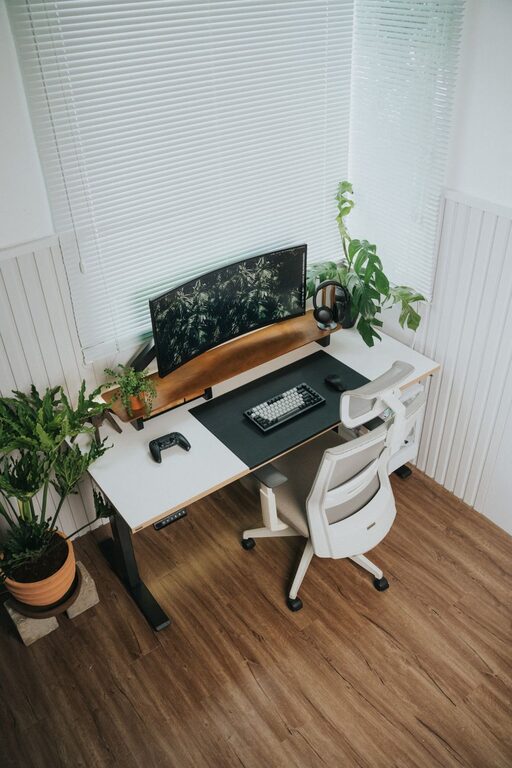
– Ergonomic Chair: Choose a chair that supports your back and encourages good posture.
– Adjustable Desk: A desk with adjustable height allows you to switch between sitting and standing.
– Adequate Desk Space: Ensure your desk has enough surface area for your computer, documents, and tools.
Remember, your furniture should match your work style while maintaining comfort.
Optimize Lighting
Proper lighting reduces eye fatigue and creates an inviting atmosphere.
– Layered Lighting: Combine natural light, overhead lighting, and task lamps.
– Adjustable Lamps: Use adjustable desk lamps to focus light where you need it most.
– Warm Light: Opt for warm-toned bulbs to create a cozy environment.
If natural light is limited, bright but soft lighting is essential to keep the space welcoming.
Organize Your Workspace
Clutter can disrupt focus and lower productivity. Keeping your workspace tidy helps maintain a clear mind.
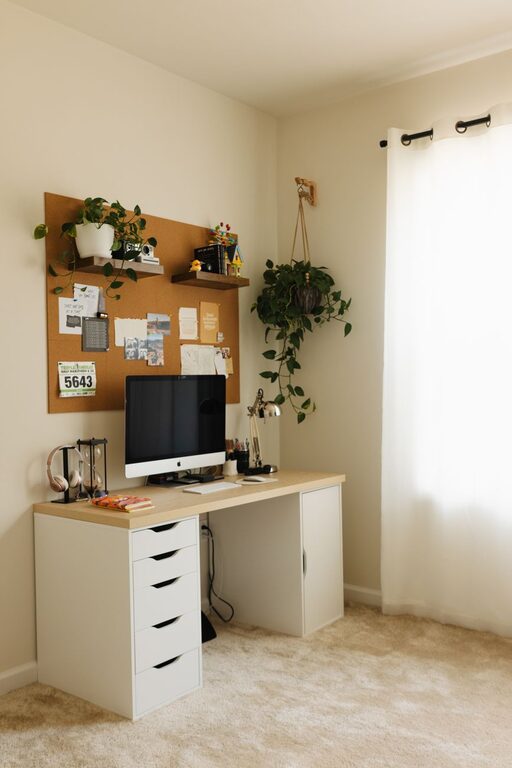
– Storage Solutions: Use shelves, filing cabinets, and drawer organizers.
– Desk Accessories: Incorporate items like pen holders and cable management trays to keep essentials orderly.
– Digital Organization: Regularly declutter your computer desktop and use productivity apps to stay organized.
Set a daily or weekly routine to tidy your workspace and prevent clutter buildup.
Personalize Your Space
Adding personal touches can make your home office feel more inviting and motivating.
– Decor: Include artwork, plants, or meaningful photos.
– Color: Choose calming colors like soft blues, greens, or neutrals to create a relaxing atmosphere.
– Comfort Items: Add a cozy blanket or cushion for extra comfort.
Personalization strikes a balance between professionalism and warmth, making it a place you enjoy being.
Minimize Distractions
Creating boundaries between work and home life is crucial, especially if your office is within a shared space.
– Noise Control: Use noise-canceling headphones or white noise machines.
– Clear Boundaries: Let family or housemates know your working hours.
– Digital Boundaries: Turn off non-work notifications during focused sessions.
Establishing these limits allows you to focus better and maintain work-life balance.
Incorporate Nature
Bringing elements of nature indoors can enhance both comfort and productivity.
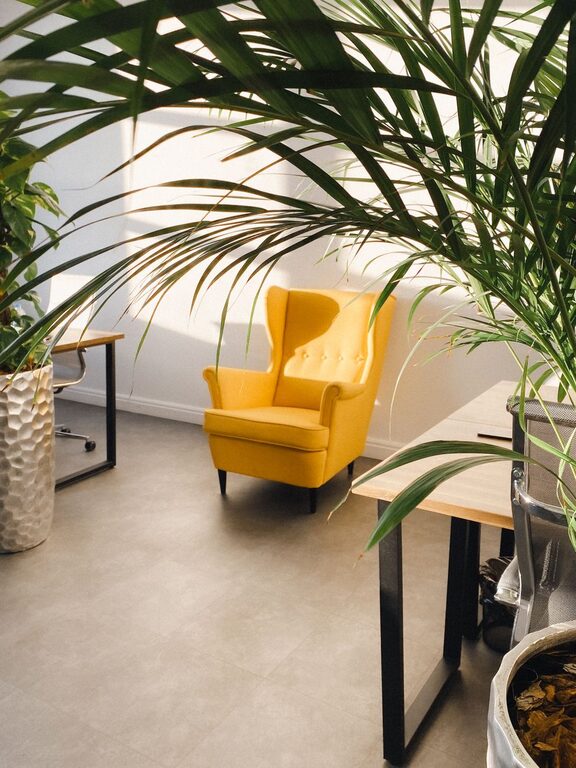
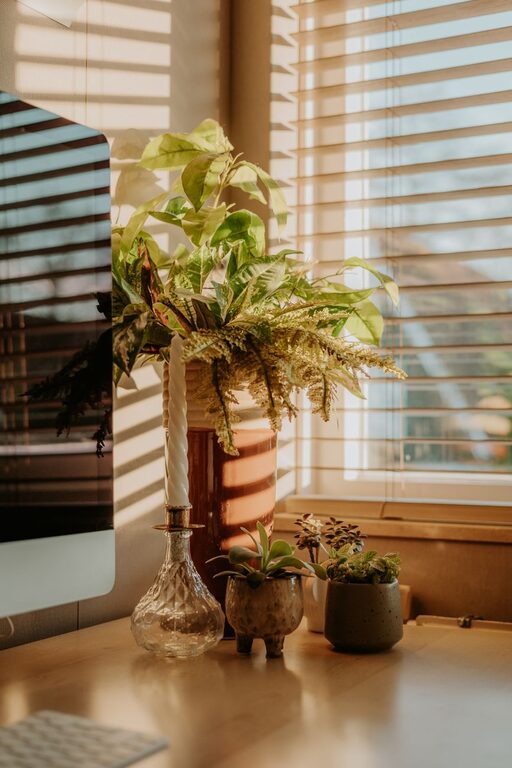
– Indoor Plants: Plants improve air quality and add a refreshing aesthetic.
– Natural Materials: Use wood, stone, or other natural textures in furniture and décor.
– Views of Nature: Position your desk to look outside if possible.
These subtle touches help reduce stress and increase creativity.
Prioritize Comfort and Wellness
Your home office should support your overall well-being.
– Regular Breaks: Schedule short breaks to stretch and move.
– Temperature Control: Make sure the room stays at a comfortable temperature.
– Hydration Station: Keep water nearby to stay hydrated throughout the day.
Comfort contributes not only to productivity but also to your physical and mental health.
Set Up Technology Efficiently
Technology is central to most home offices, so ensure your setup supports your needs.
– Reliable Internet: A strong connection avoids interruptions.
– Cable Management: Use clips or sleeves to keep cords organized.
– Ergonomic Accessories: Consider external keyboards, mice, and monitors for ease of use.
Well-organized technology reduces frustration and helps streamline tasks.
—
By paying attention to these key areas, you can create a home office that feels welcoming and drives your best performance. Remember, the perfect workspace reflects your personal preferences and work requirements, so feel free to adapt these tips to fit your unique style.